Background extraction
When an image contains an intense light pollution, it is useful to remove it. Siril provides a "Background Extraction" tool in order to remove the gradient of the sky background. Siril uses a polynomial up to the fourth degree. The 4th degree polynomial is generally a good choice, for this model, though the tool allows for first to fourth degree.
Suggerimento
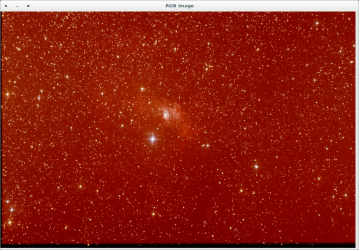
By selecting "Histogram Equalization" as display view, you can quickly check that image contains sky gradient due to light pollution, or in this case, Moon light.
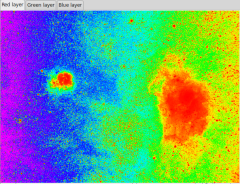
The rainbow colormap can also help you to see the gradient: ⚓
Suggerimento
So, this step consists to remove this sky gradient. See the operation process below
Once you have a background model with no signal from nebula (use the display mode to check everything), you can apply the correction. ⚓
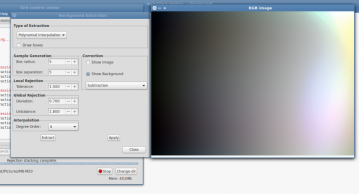
SuggerimentoTwo types of corrections have been implemented in Siril: ⚓
Subtraction
Division
Additive phenomena like light pollution gradients should be corrected by subtraction but multiplicative effects like vignetting should be fixed by a division. But in the last case, the correct procedure is to correct the image with flat field during pre-processing step.
Suggerimento
After the tool were applied, you should check the background neutralization, and, maybe, apply a new midtone correction.
ProcedureStep by step background extraction⚓
Image Display
From the preview screen choose the histogram[1] mode
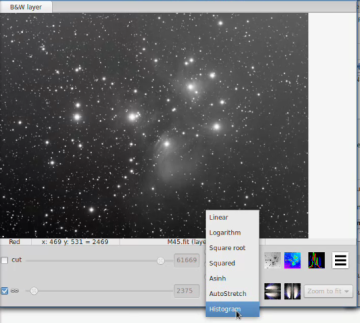
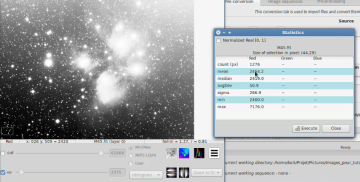
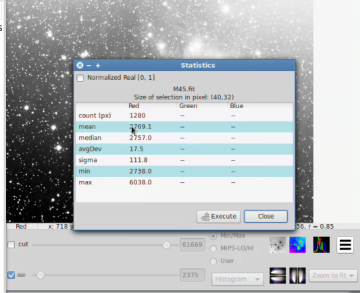
Show statistics
Select an image area⚓
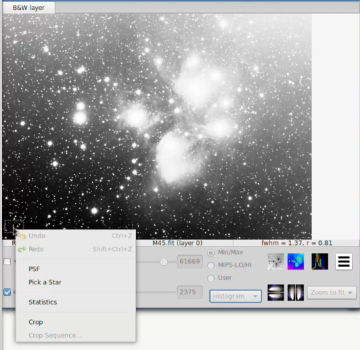
Select a second area
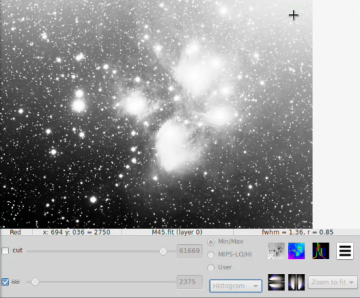
Values
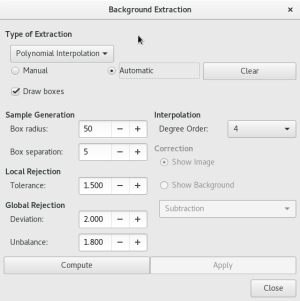
Background extraction tool
Menu
Image Processing/Background Extraction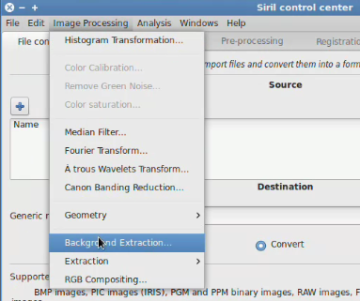
Select
ManualSelect Areas
Suggerimento
You must select what appears to you to be the sky background.
Extraction
Click on
Computethen check
Show Backgroundto display the resultFinish treatment⚓
If you're satisfied by the result check
Show Imagethen click onApplyandClose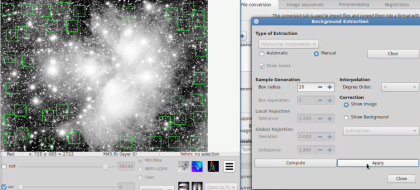
Esempio
Final result with a
AutoStrech display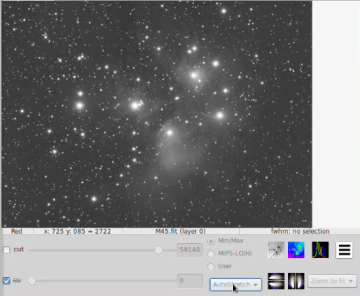
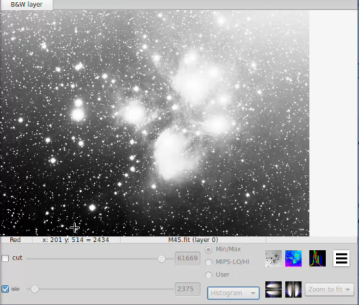
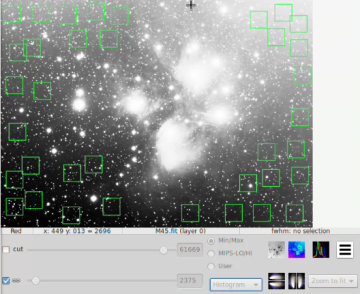
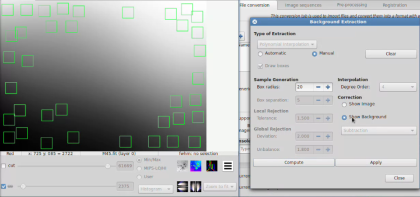
After extraction you can switch between image and background view in order to check the result. If you are satisfied you can thus apply the correction (subtraction or division). The subtraction operation is very different from the simple operation used for the darks and bias/offsets.
Indeed, as the level of the background is identical to the one of the image, applying a simple subtraction would result in a image with a lot of black pixels. To avoid any inconvenience, the operation is done with 32-bit signed integers and finally converted into native format (16-bits unsigned).
EsempioSample treatment⚓
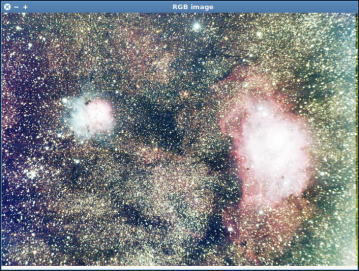
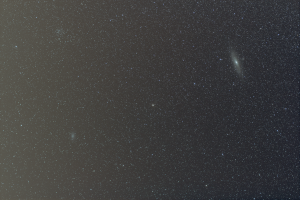
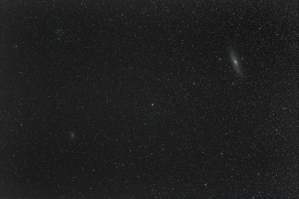
Following, respectively, the start image and final image (after background extraction with subtraction and equalization):
 |  |